
How do I update my personal details on my account ?
Last updated: Jul 21, 2025
1879
views

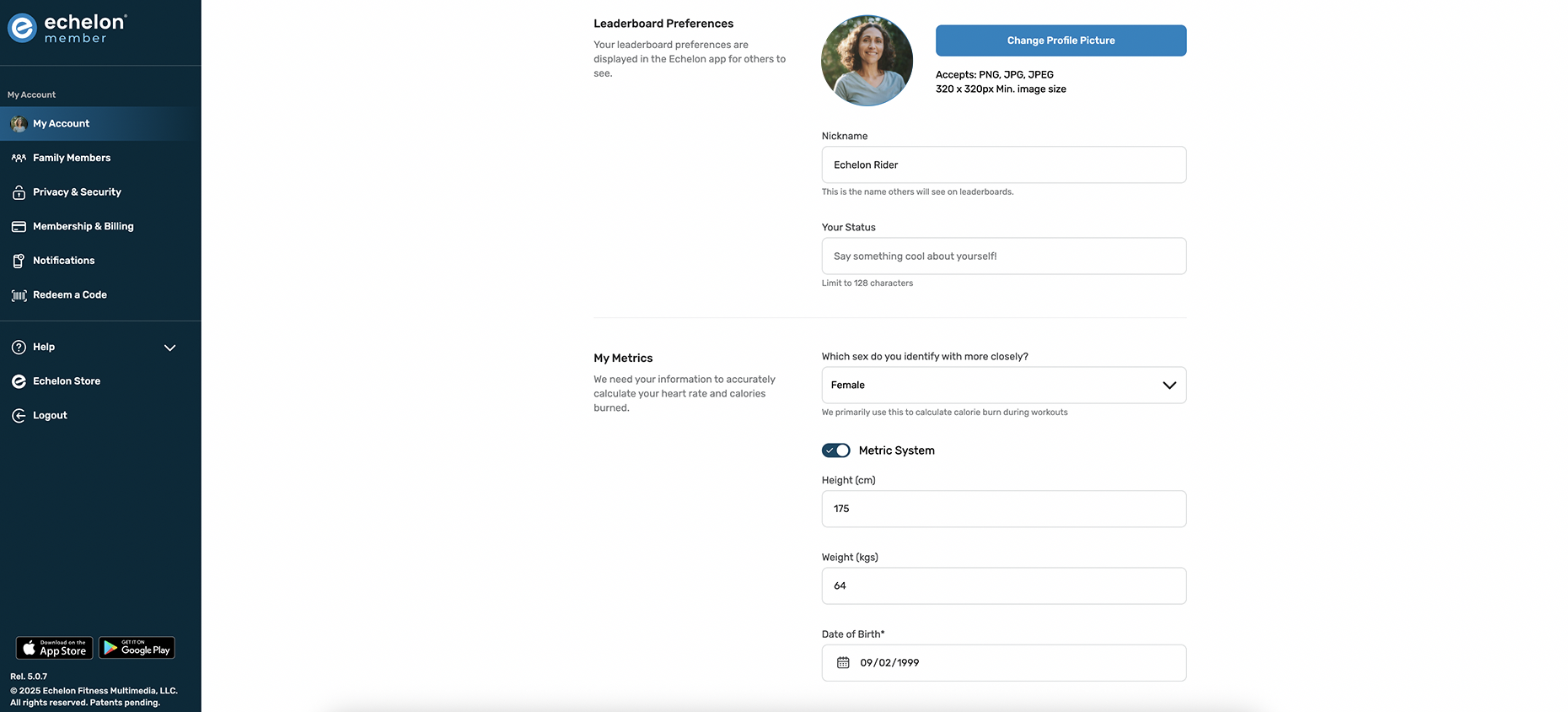
You can update your personal details online here: Echelon Members Portal
- Log in to the Members Portal
- Select My Account
- You will be able to update your leaderboard preferences and metrics on this page
- Make the desired changes and save